-
待分类
9733 引用 • 919 回帖 • 5 关注
相关帖子
-
- 其他回帖
-
mary369 •
#coding:utf-8
from selenium import webdriver
from time import sleep#初始化
browser = webdriver.Chrome()
browser.maximize_window()
browser.get('https://www.fliggy.com/')
browser.implicitly_wait(10)#输入出发城市
depCity = browser.find_element_by_xpath('//input[@name="depCityName"]')
depCity.clear()
depCity.send_keys(u'昆明')
sleep(1)
#输入到达城市
arrCity = browser.find_element_by_xpath('//input[@name="arrCityName"]')
arrCity.clear()
arrCity.send_keys(u'长沙')
sleep(1)
#输入出发日期
depDate = browser.find_element_by_xpath('//input[@name="depDate"]')
depDate.send_keys('2021-07-10')
#关闭日期控件
browser.find_element_by_xpath('//span[text()="close"]').click()
sleep(2)
#点击搜索按钮
browser.find_element_by_xpath('//form[@id="J_FlightForm"]//button[text()="搜索"]').click()
sleep(5)#退出
browser.quit()1 回复 -
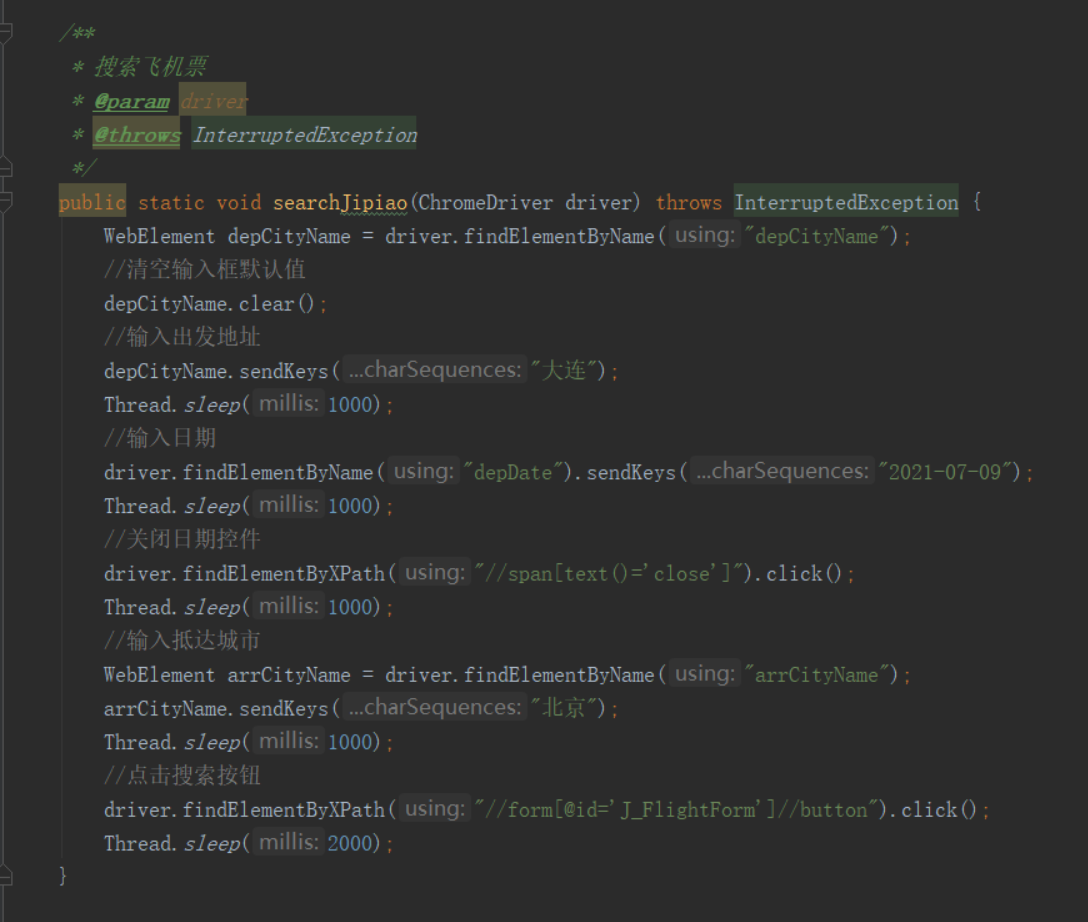
ke2beck •
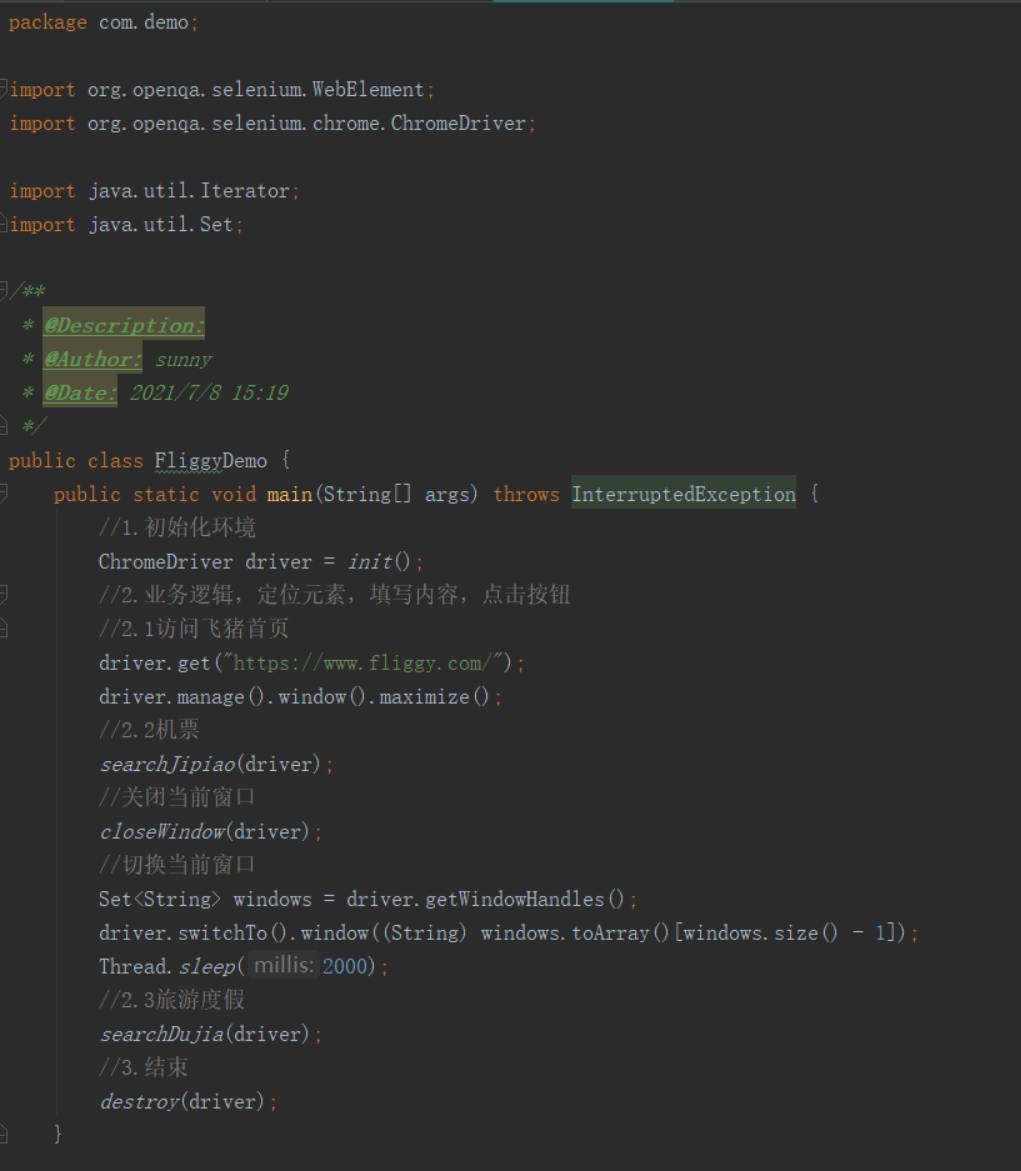
package com.demo;

import org.openqa.selenium.WebElement;
import org.openqa.selenium.chrome.ChromeDriver;

public class fliggyDemo {

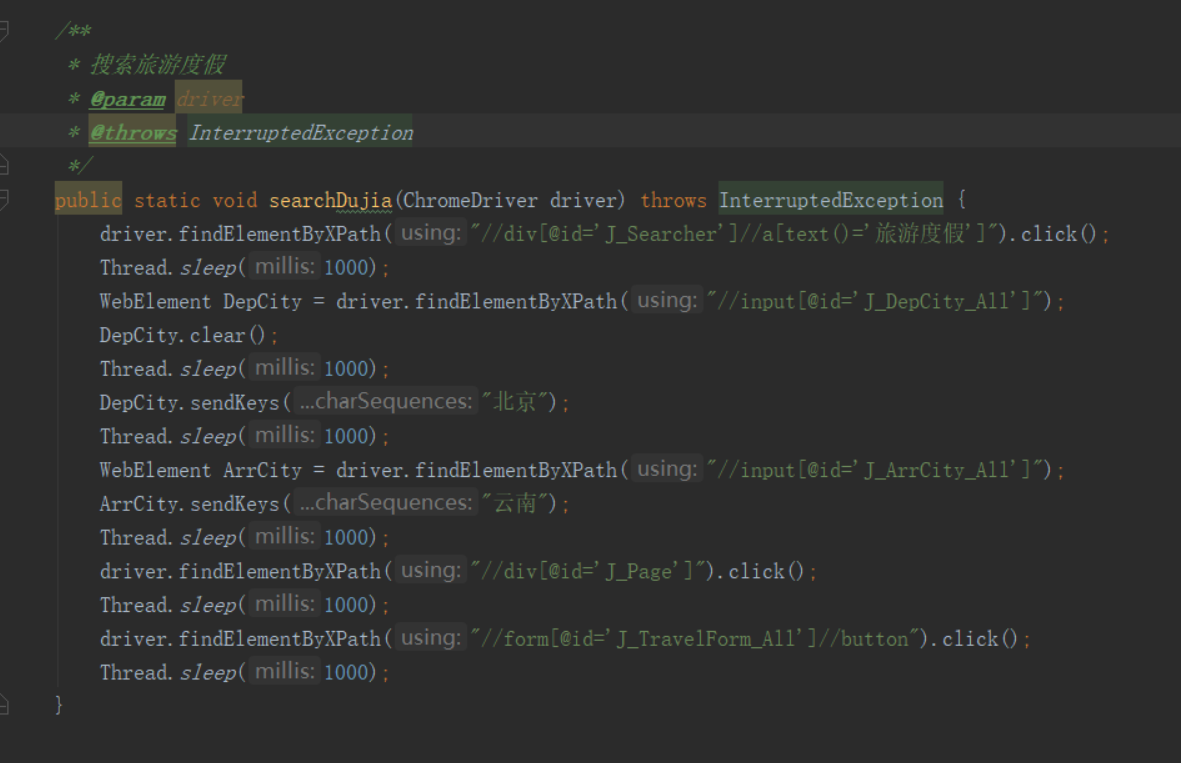
    public static void inputElement(ChromeDriver driver, String eleName, String text) {
        WebElement element = driver.findElementByName(eleName);
        element.clear();
        element.sendKeys(text);
    }
    public static void main(String[] args) throws InterruptedException {

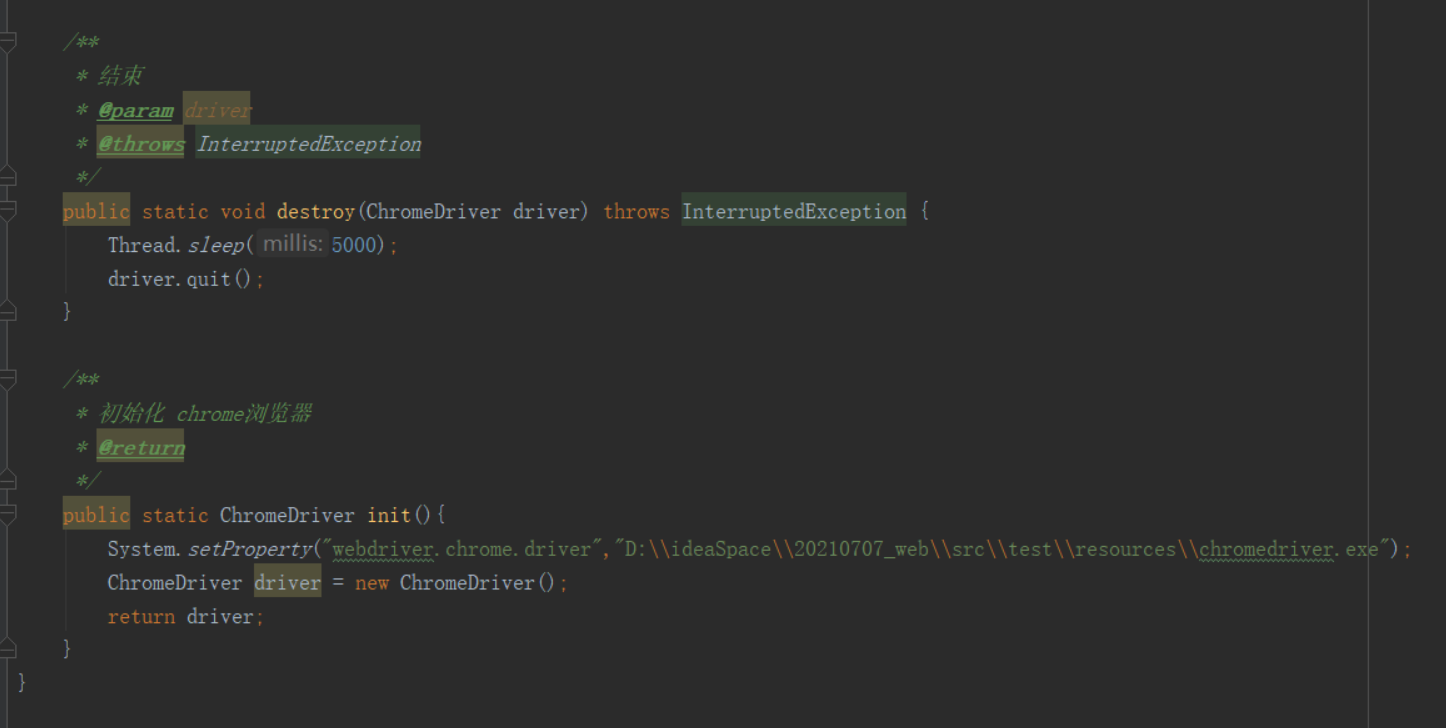
        System.setProperty("webdriver.chrome.driver", "src/test/resources/chromedriver.exe");
        ChromeDriver driver = new ChromeDriver();

        driver.get("https://www.fliggy.com/");
        Thread.sleep(2000);
        inputElement(driver,"depCityName","北京");

        inputElement(driver,"depDate","2021-07-10");
        driver.findElementByXPath("//span[text()='close']").click();

        inputElement(driver,"arrCityName","长沙");
        driver.findElementByXPath("//form[@id='J_FlightForm']//button").click();

        Thread.sleep(5000);
        driver.quit();
    }
}
1 回复 -
Tony •
public static void textControl(WebDriver driver, String name,String txt){ WebElement element = driver.findElement(By.name(name)); element.clear(); element.sendKeys(txt); } public static void loginFeizhu() throws InterruptedException { WebDriver driver = init(); driver.get("https://www.fliggy.com/"); Thread.sleep(1000); /* //点击搜索框 driver.findElement(By.xpath("//input[@placeholder=\"目的地/酒店/景点/签证等\"]")).click(); Thread.sleep(1000); //选择机票 driver.findElement(By.xpath("//div[@class=\"recommend-values\"]/span[contains(text(),\"机票\")and @data-itemindex=0]")).click(); */ textControl(driver,"depCityName", "上海")); textControl(driver,"arrCityName","长沙"); textControl(driver,"depDate","2021-07-10"); driver.findElement(By.cssSelector(".close-btn.delegate-click-381")).click(); Thread.sleep(3000); driver.findElement(By.xpath("//form[@id=\"J_FlightForm\"]//button[text()=\"搜索\"]")).click(); tearDown(driver); } - 查看更多回帖
欢迎来到testingpai.com!
注册 关于